
Invoicing & accounting
Invoices
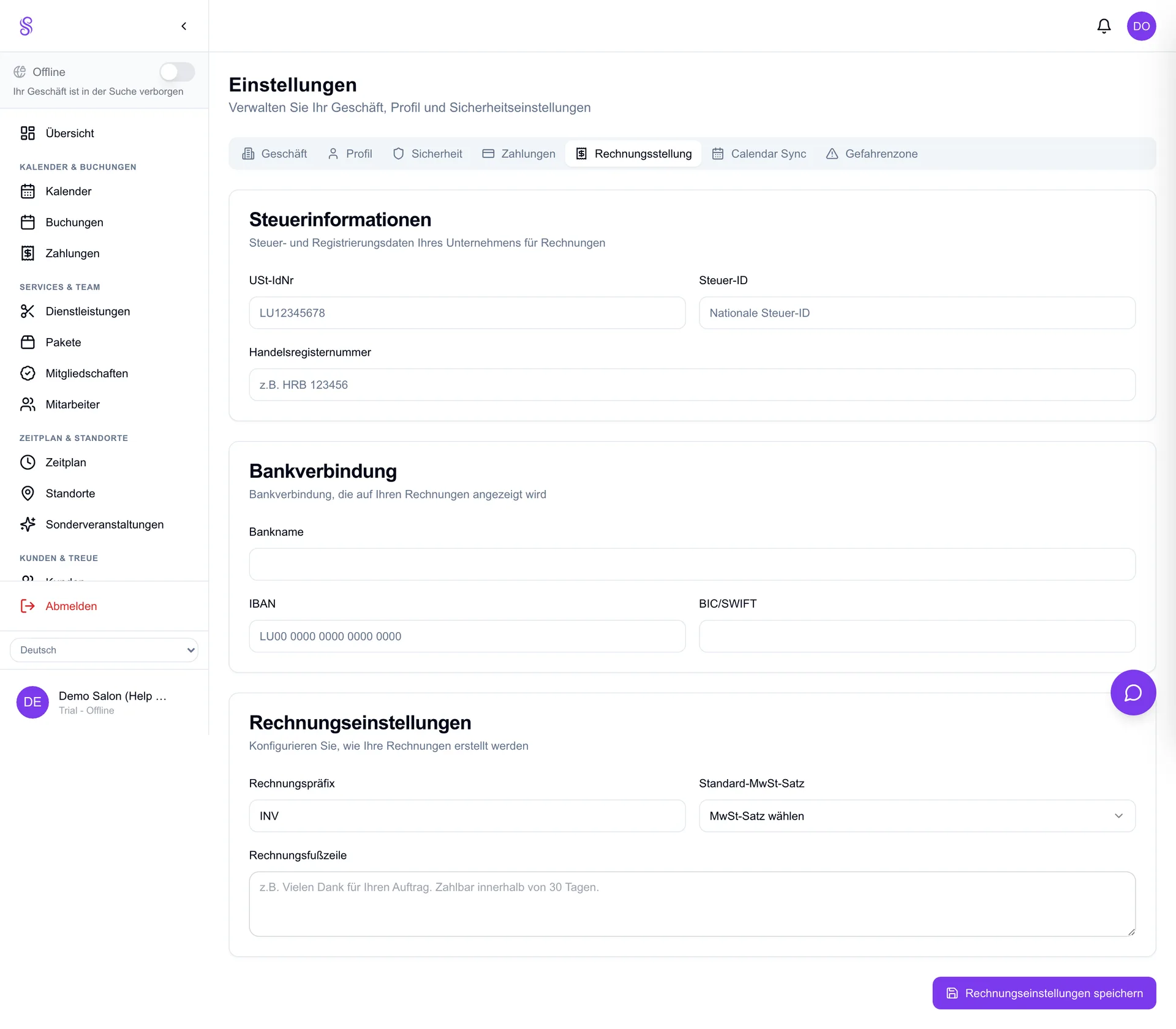
Create and send proper invoices to customers and businesses, complete with sequential numbering and VAT. Invoices can be generated straight from a booking or POS sale and downloaded as PDF, so business clients who need a formal document are covered.
How to set it up
- 1
Enable invoicing
Invoicing is an add-on — enable it from your subscription if needed.
- 2
Generate from a sale
Open a booking or POS sale and choose Create invoice, or build one manually.
- 3
Check numbering and VAT
Salonify assigns the next sequential number and applies VAT per item automatically.
- 4
Send or download
Email it to the client or download the PDF for your records.
Good to know
- Sequential numbering keeps you compliant.
- Invoices can come from bookings or POS sales.
- PDF output is ready to email or print.